Product specifications: what they are & how to write them (6 steps)
Product specifications sit at the center of modern product work and shape how ideas turn into features, how teams make decisions, and how work moves from concept to delivery. But as product teams spread across tools and locations, these specs tend to lose the context that keeps everyone on the same page. That means important details scatter across docs, tickets, designs, and conversations, which makes it harder to stay aligned.
That’s why effective product specs do more than just capture requirements—they also clarify intent, connect decisions, and evolve as work progresses to help you truly support the way your team builds.
What are product specifications?
Product specs help teams align on what they’re building and why by turning an idea into shared understanding. This involves outlining the problem to solve, the target users, and the expected functionality and tying them back to real business needs.
Specs matter because product work involves constant decisions and trade-offs. Without a clear reference point, teams can lose track of why features exist or how earlier choices shaped the work.
To solve this issue, product specs bring that context together, which helps teams stay aligned as work evolves. However, they’re most useful when teams know when and how to apply them, as well as how they differ from other product documents.
When to use a product spec
Product teams typically write product specs when an idea needs definition before it moves into execution. That might take place during the early stages of a new product, a major initiative on the product roadmap, or a redesign that focuses on clear user pain points.
When multiple stakeholders—from product management to product design and the development team—need to make decisions in parallel, product specs keep assumptions visible. This makes it easier for them to adapt as customer feedback and new information emerge.
How product specs differ from PRDs, tech specs, and design docs
It’s easy to confuse product specs with other product documents because they often cover similar ground. Additionally, requirements, designs, and implementation details show up across many artifacts, which can make it hard to tell where each one fits.
Here’s the purpose that each document serves:
Product requirement documents (PRDs) define business goals, outcomes, metrics, and the business case behind an initiative.
Technical specs document how teams will build something, including technical requirements and implementation details.
Design docs focus on user flows, usability, and the user interface through designs and mockups.
A product spec connects, not replaces, PRDs, technical specs, and design docs by explaining the problem you’re solving, recording the decisions you’ve made so far, and linking to detailed requirements, designs, and implementation plans. That way, you can see what’s changing, what you’ve already fixed, and why.
Why are product specs important for product teams?
When teams lack a clear understanding of what they’re building and what they intend to achieve, decisions may drift, rework can increase, and quality issues often appear late. Here’s how a coherent product spec addresses these issues:
Alignment and clarity
Maintaining a shared understanding of product direction beyond the immediate team can be difficult. You can see this in ProductPlan’s 2024 State of Product Management report, which shows that respondents rated their confidence that others in the organization understand the product vision and strategy at 3.7 out of 6.
Without a documented strategy and intent, teams interpret priorities differently and make decisions with incomplete context, which slows progress and creates friction. Product specs help here by instead translating strategy into a clear reference that teams can consult as plans and decisions evolve.
Quality control
If teams fail to set quality expectations at the start of a project, problems will appear as soon as work begins. For instance, teams may interpret requirements differently, overlook edge cases, or forget to record certain decisions. Over time, those gaps compound into rework, inconsistencies, and growing technical debt.
Product specs prevent these issues by documenting requirements, constraints, and trade-offs up front. This reduces uncertainty during execution and minimizes the time that teams spend fixing issues later in the development process.
Collaboration and decision-making
Product work often involves many decisions that happen in parallel across engineering, product, and design (EPD). But without a shared spec, those decisions can drift apart, leading teams to revisit the same questions, wait for clarification, or rely on informal updates.
Because product specs capture decisions as they happen, teams can instead move forward without constant meetings or handoffs.
Shared context and accountability
If decisions, references, and rationale scatter as work progresses, everything will slow down. In fact, according to Cortex’s 2024 State of Developer Productivity report, engineering leaders identified the time they spent gathering project context as a top productivity drain.
To help with this, product specs consolidate context in a single shared place so teams can easily view dependencies, open questions, and trade-offs. And with AI support, it’s even easier to surface updates, summarize changes, and highlight what’s new.
What should a product spec include?
A product spec is a central source of truth that provides teams with the context and details they need to build confidently and stay aligned. Here are the key components that most effective specs include:
Problem statement and background context
This section explains what problem you’re solving and why it matters, which establishes a starting point for all decisions that follow. By grounding work in context like this, you’ll reduce confusion about scope and prevent misaligned interpretations from causing late pivots.
Users, use cases, and success metrics
These elements describe who you’re building for, what they’re trying to achieve, and how you’ll measure success.
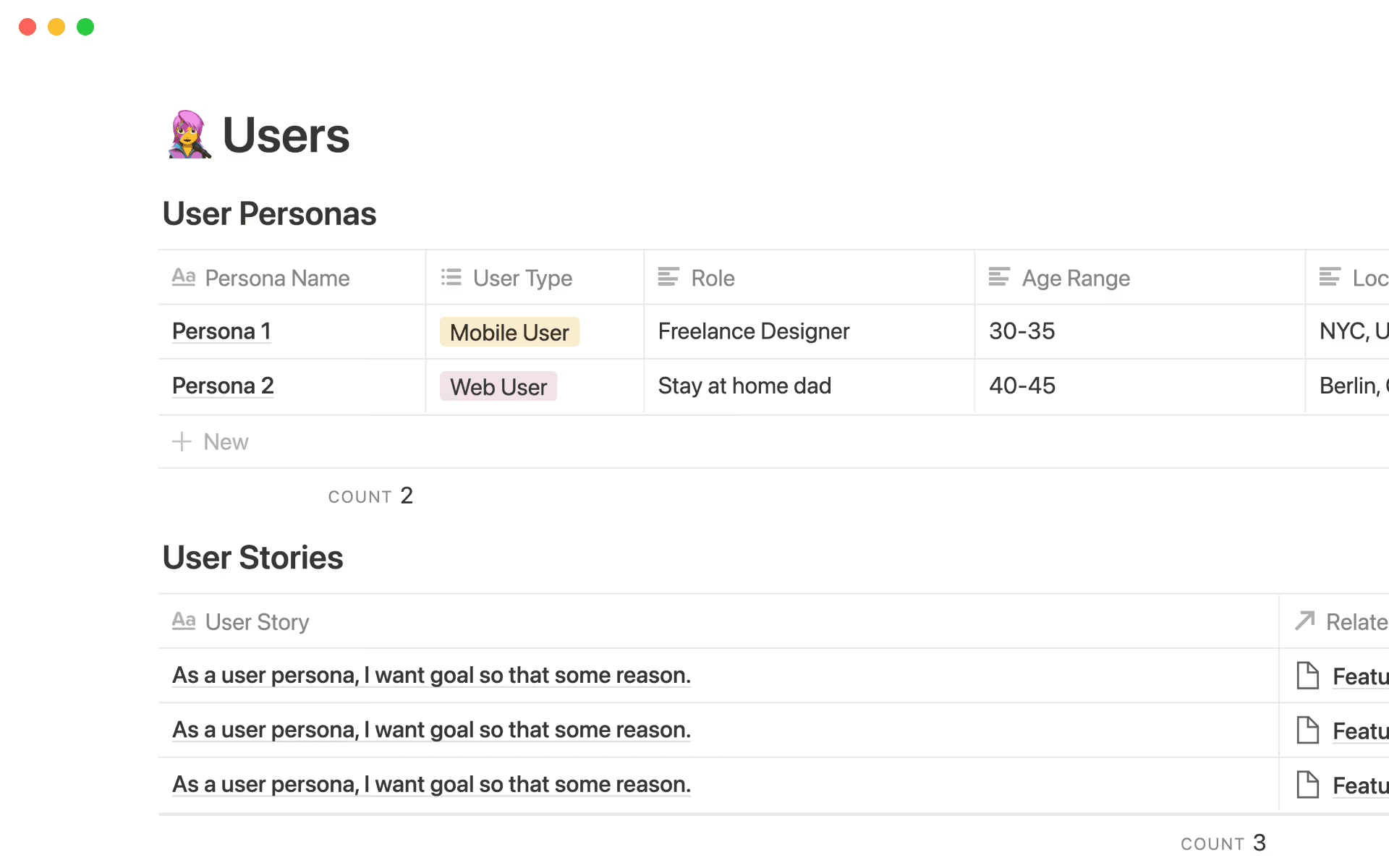
Notion’s product spec template, showing users, their roles, and user stories (Source)
User personas and user stories help you see the product through real-world lenses instead, while success metrics set measurable expectations and guide prioritization decisions.
Requirements, constraints, and assumptions
Clear requirements define what must exist in the product, while laying out constraints (whether technical, business, or legal) and assumptions prevents misinterpretation.
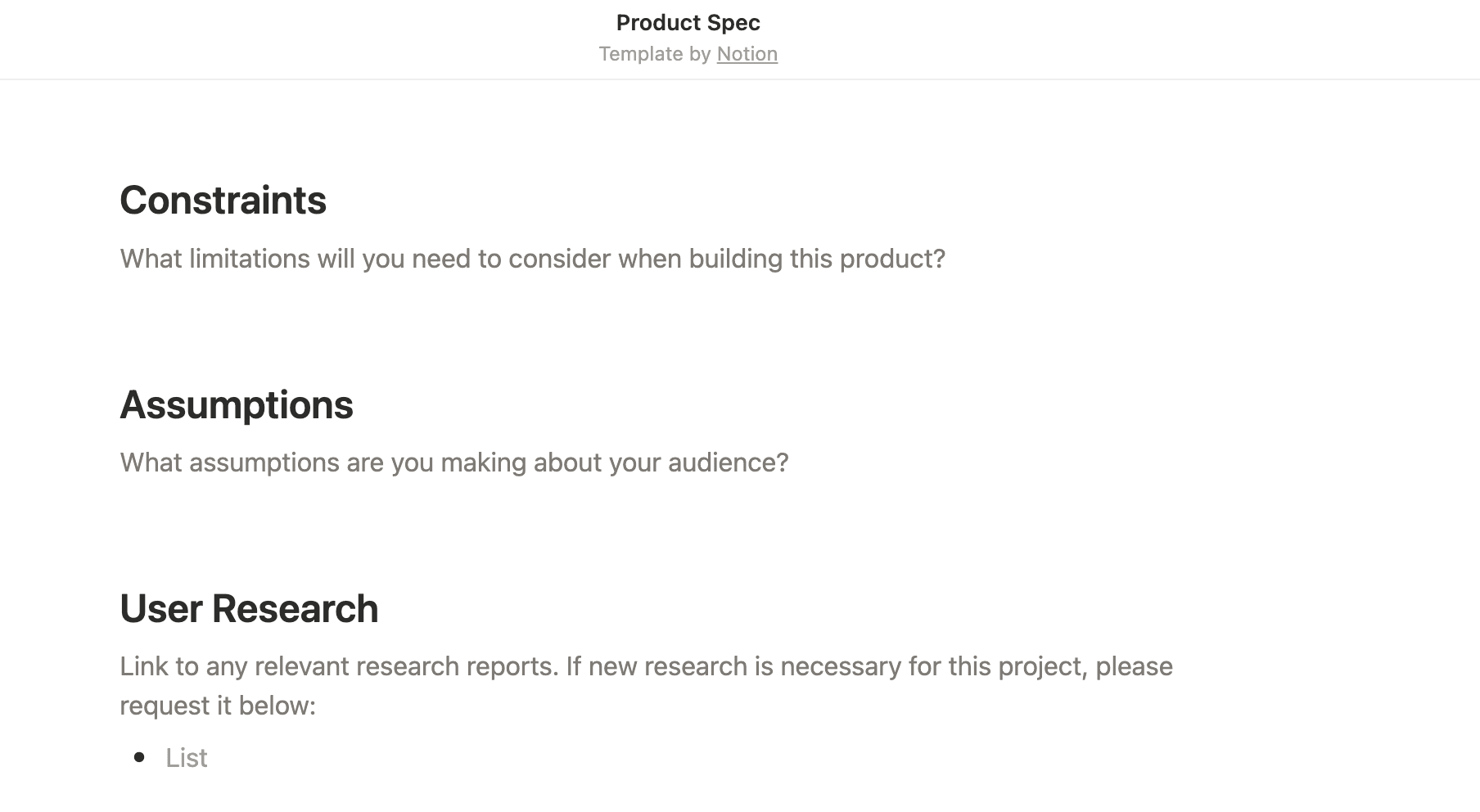
A product spec template in Notion that shows sections for constraints and assumptions (Source)
When you understand limits and expectations early, you can make higher-quality choices and reduce rework later.
Flows, designs, and cross-functional considerations
This section captures interaction flows, mockups, and design intent alongside notes for adjacent teams. By including visual flows or embedded Figma files, it’s easier to ensure that EPD stakeholders understand how each part fits together.
Open questions, trade-offs, and dependencies
Documenting open questions, the trade-offs you considered, and external dependencies (like integration points or cross-team work) early helps you identify risks and supports better product planning and coordination.
Links to related docs, research, and decisions
Connecting your spec to all relevant work—including research notes, user feedback, technical designs, and past decisions—allows your team to easily explore details and understand the rationale behind choices. Notion’s product spec template is ideal for this purpose since it serves as a central hub for organizing both summary content and links to deeper work.
How to create a product spec in 6 steps
Writing a product spec works best when you view it as a process, not a one-time task.
To help with this process, the following six steps illustrate how to move from scattered inputs to a clear, living document that guides decisions—along with how to use templates and AI to add value:
1. Gather context from research, feedback, and past work
To get started, you’ll want to collect the inputs that shape your problem. This includes user research, customer feedback, support insights, past specs, and relevant decisions from earlier projects.
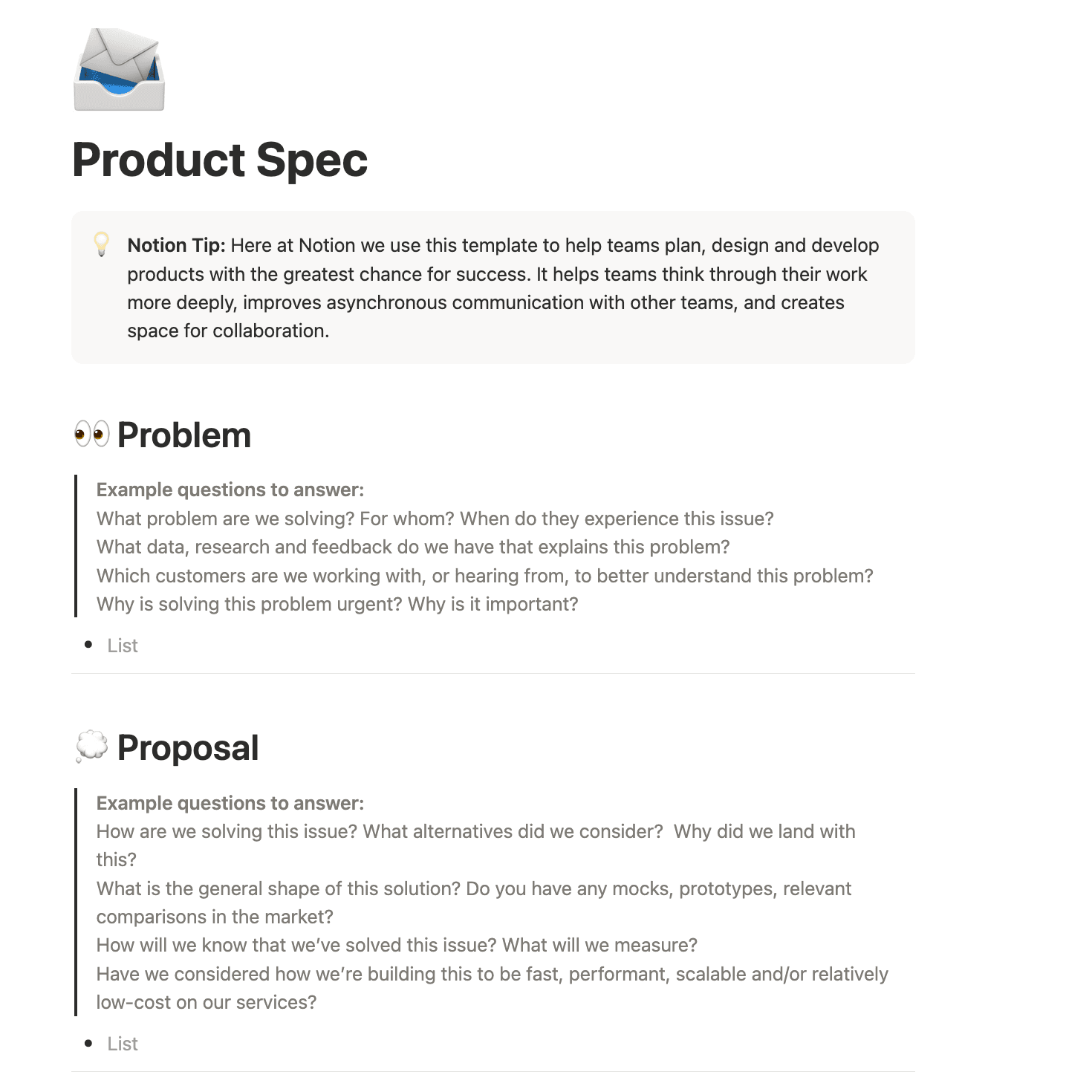
Notion’s product spec template, which shows a problem section with example questions (Source)
At this stage, you’re not trying to document everything. Rather, you’ll want to identify what you already know and what still needs validation. Gathering this context early prevents you from revisiting the same questions later or making assumptions that don’t hold up.
2. Draft a structured outline
Once you understand the landscape, you’ll next create a simple structure for the spec. But to make sure you don’t skip critical sections—such as the problem statement, users, or constraints—it’s best to start with a product spec template.
During this drafting phase, be sure to focus on clarity rather than completeness—a well-structured outline gives collaborators something concrete to respond to and reduces the friction of staring at a blank page and wondering what comes next.
3. Add requirements, flows, and edge cases
With the basic structure in place, you can begin filling in the details with input from EPD. To do this, capture requirements, key flows, and known edge cases as shared understanding develops.
Collaborating early in this way helps you spot gaps before they become surprises or cause misalignment between teams.
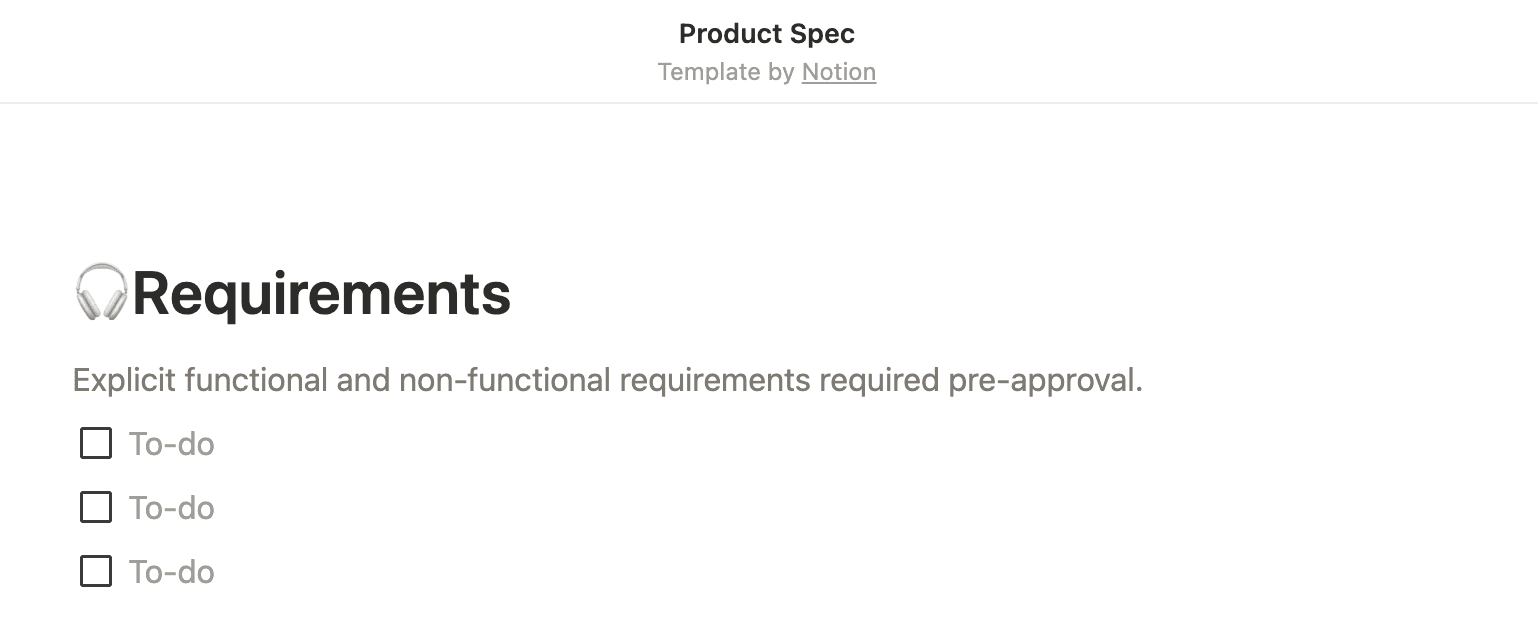
Notion’s product spec template, showing a section for requirements with a checklist (Source)
4. Connect specs to prototypes, data, and related docs
Rather than copying details over, it’s easier to link directly to existing work. You can also embed design prototypes, connect analytics dashboards, and reference PRDs or technical specifications so readers can trace decisions back to evidence.
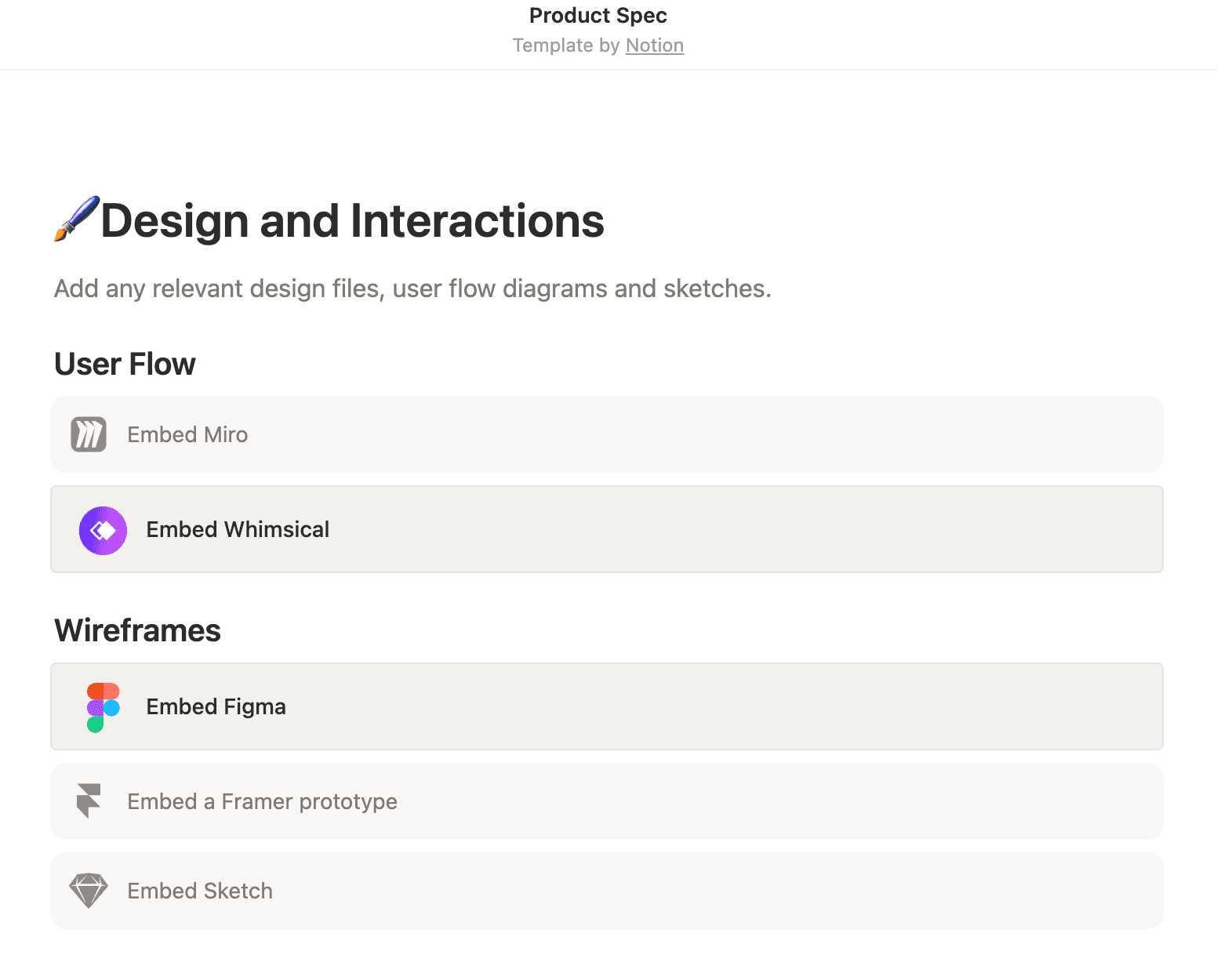
Notion’s product spec template, showing direct links to design files and user flow diagrams (Source)
5. Share the spec and refine through async feedback
At this point, you can share the draft widely and invite feedback like comments, suggestions, and questions asynchronously. This will help you refine the spec without forcing everyone into meetings. And by encouraging teams and stakeholders to give their input, you’ll uncover unclear assumptions or missing details before decisions harden.
6. Update as decisions change
As requirements shift or decisions change, be sure to update the spec so it reflects the product’s current state. Notion AI can help here by surfacing recent changes and summarizing what’s new, which makes it easier to see updates and stay aligned as decisions are made.
How can AI help teams write better product specs?
When specs live in a connected workspace, AI can help you create and maintain documents, feedback, and projects. Here are some specific ways that you can use AI to improve your product specs:
Turn raw notes and research into structured summaries
Product work often starts with unstructured inputs—like research notes, interview transcripts, meeting notes, and early ideas—that teams capture wherever they work. But according to Notion solution engineer Peter Escartin, collecting and aggregating those inputs is one of the biggest time sinks for PMs.
AI helps here by organizing raw inputs into summaries so you can focus on understanding patterns and implications rather than collecting information.
Surface missing requirements or edge cases
As specs take shape, gaps often appear gradually. That’s why Duolingo relies on connected product specs to capture decisions and context as its teams work.
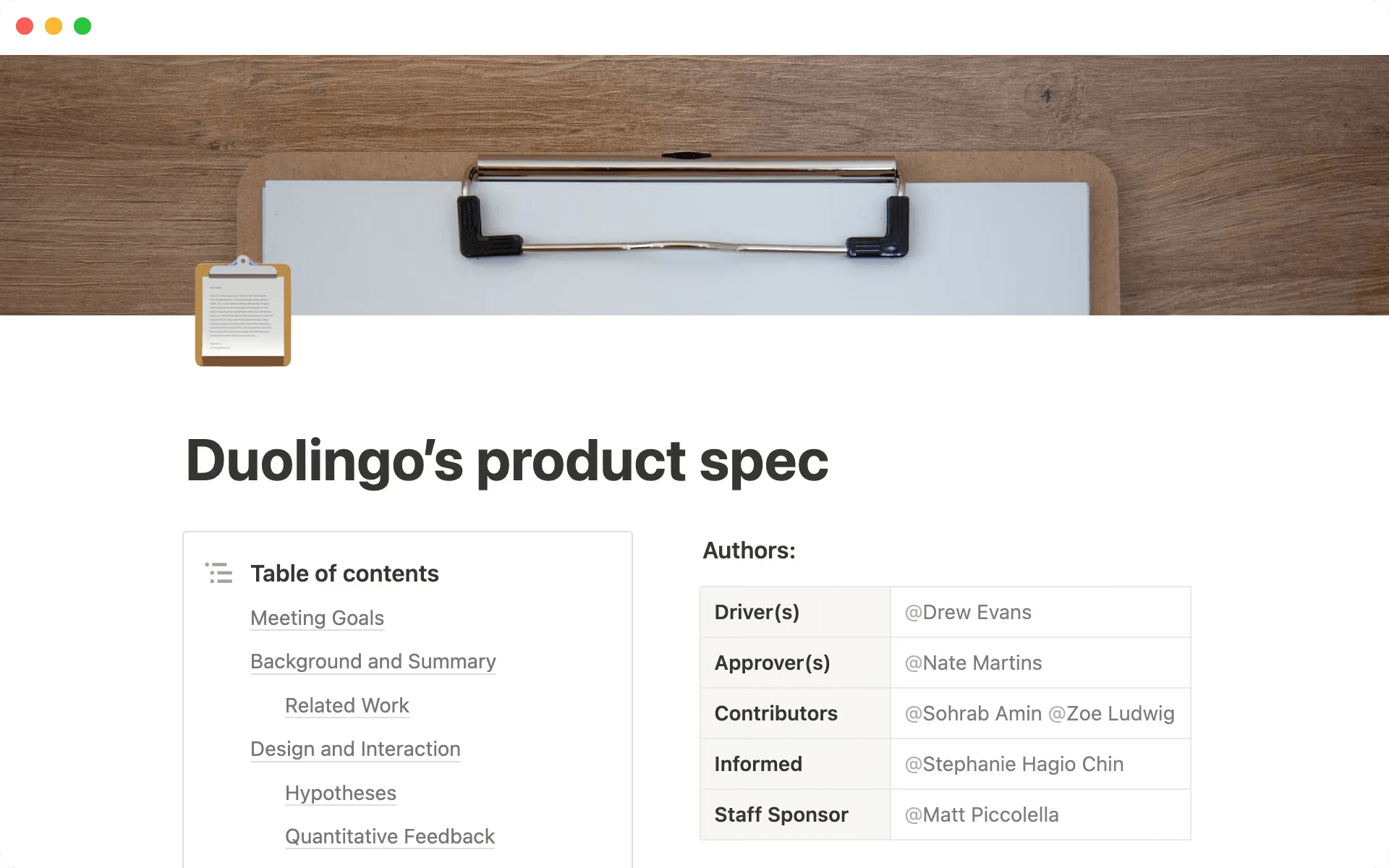
Duolingo’s product spec links meeting goals, background, and design work (Source)
AI provides further support by flagging unresolved questions and edge cases before they end up as rework. By scanning related content and identifying inconsistencies, it can also help you highlight areas that may need clarification.
Extract technical considerations from related docs
Technical constraints often live outside the product spec, which makes them easy to miss during planning. But AI keeps these considerations at the forefront so your product and design teams can understand constraints without duplicating documentation. Engineers can then see how technical decisions connect back to product intent, too.
For example, AngelList uses Notion AI to bring everything from executive summaries to code snippets and design mockups into a single spec. This lets its team surface relevant context, connect decisions back to implementation details, and understand constraints without switching tools or duplicating work.
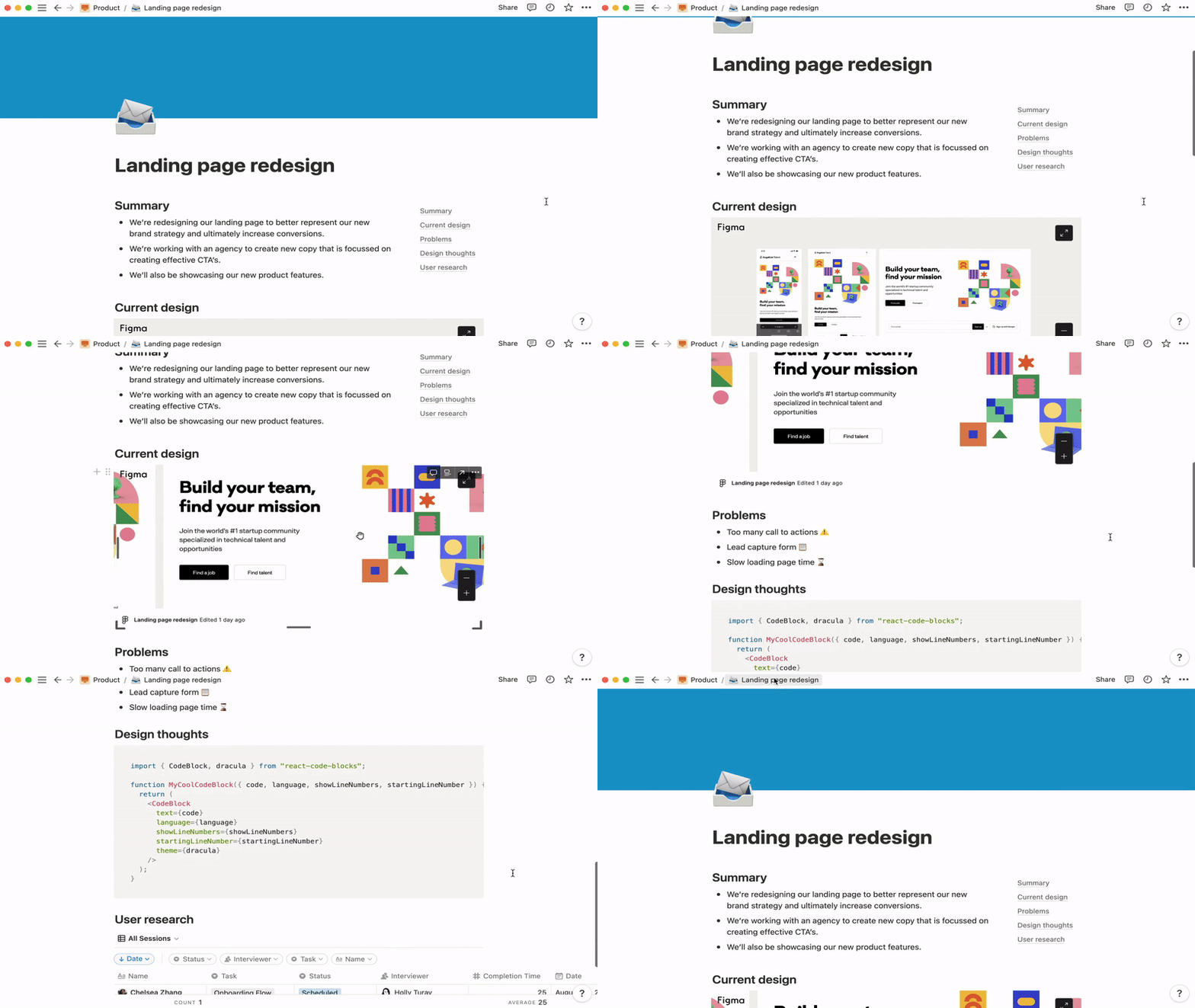
AngelList’s product spec, showing connected design details, design considerations, and user research (Source)
Keep specs fresh with automated recaps of changes
As work progresses, product specs need to reflect what changed. AI helps here by surfacing recent updates and summarizing what’s new, which allows you to understand the current state of work without rereading an entire document.
Summarize stakeholder feedback to support alignment
Whether it’s from leadership reviews, design critiques, or engineering comments, feedback often arrives in pieces. But no matter where it’s from, AI lets you summarize and group feedback that links your specs to make it easy to see patterns and stay aligned without chasing updates across tools.
That’s why, at Match, teams use product spec templates in Notion as anchor points for each project to keep requirements, schemas, and mockups together.
Build better product specs in Notion’s connected workspace
When decisions, references, and supporting materials are scattered across tools, it’s easy to lose track of what’s current or why teams made certain choices. To solve this issue, clear product specs help you see dependencies, trade-offs, and updates at a glance so work stays coordinated.
In Notion, specs live alongside projects, designs, research, and decisions so all the context your team needs is in one place. Our flexible templates also speed up setup, linked docs connect related work, and AI highlights updates to help your team catch changes quickly. That way, everyone can move faster and make more informed decisions.
If you want product specs that support consistent decision-making across EPD, explore how Notion AI can help you create clearer, more reliable specs inside a connected workspace.